15- Minute Emergency Hardening Plan
Four actions that close the biggest doors right now. No special tools. No technical expertise required.
Sometimes you don't have an hour—or an entire weekend—to work through your digital security.
That's okay.
The 15-Minute Emergency Hardening Plan walks you through four things you can do right now to reduce unnecessary exposure on your phone, primary email account and home network.
You won't be rebuilding your digital life. You'll turn off connections you don't need, strengthen your home Wi-Fi, add another layer of protection to your primary email, and make sure your phone isn't running outdated software.
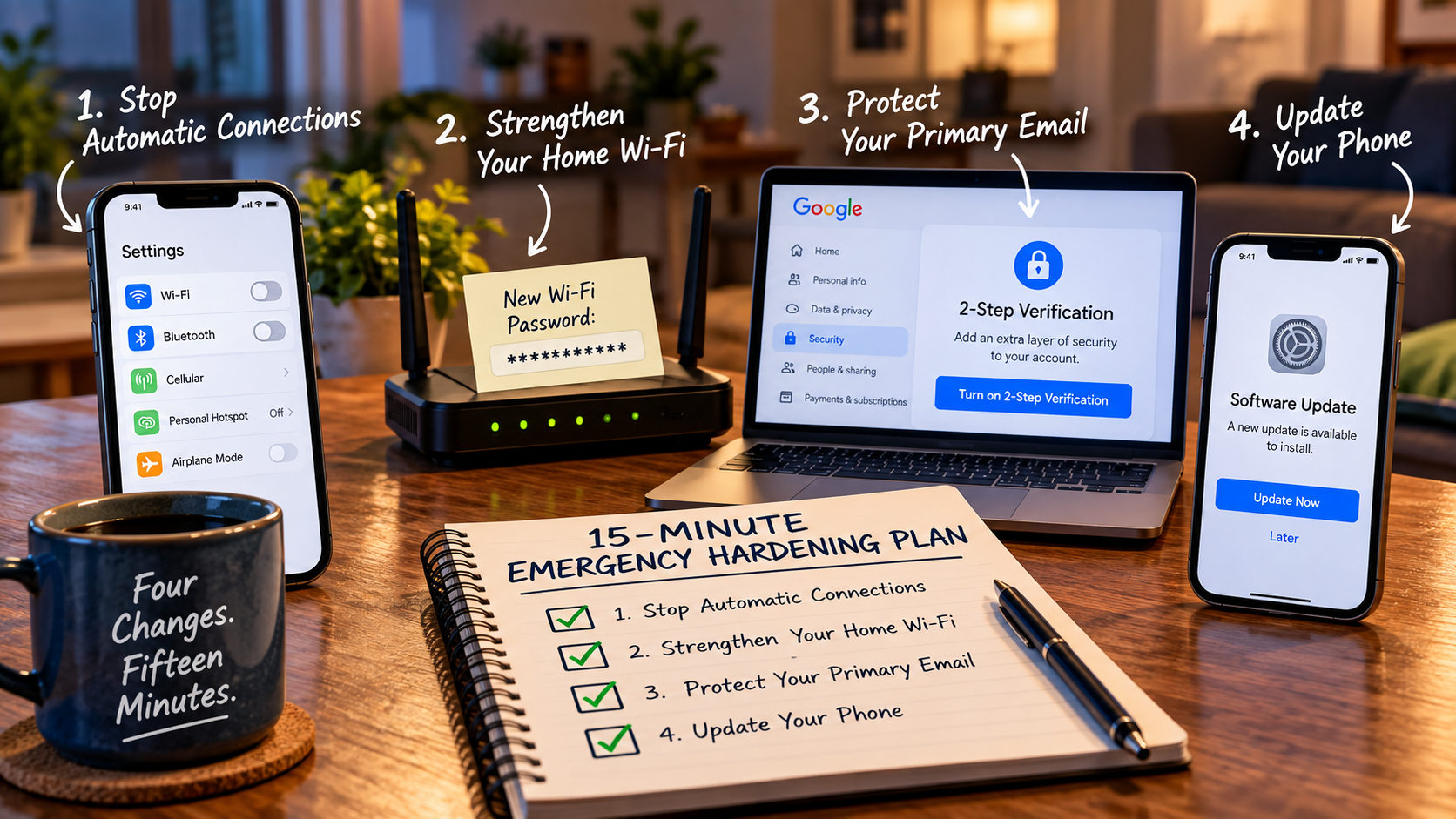
What you'll do in 15 minutes
Turn off Wi-Fi Auto-Connect and Bluetooth when you aren't using them so your phone isn't quietly connecting or broadcasting when it doesn't need to.
Stop Automatic Connections
Change your main Wi-Fi password to something long and random, closing an easy door into the network your household depends on.
Strengthen Your Home Wi-Fi
Turn on multi-factor authentication for your main email account to add another barrier between your account and someone trying to take it over.
Protect Your Primary Email
Update Your Phone
Install available system updates so your phone isn't unnecessarily relying on outdated software with known security problems.
Four changes. Fifteen minutes. Start there.
Get the 15-Minute Emergency Hardening Plan
Enter your email and I'll send the plan straight to your inbox.
No lecture. No spam. Unsubscribe anytime.
Check the email you used. The download is in the first message.
If you don't see the email after a few minutes, check your Spam, Trash or Subscriptions folders.